 Business License

ESP32 Selection Guide: S3, C3, C6, C5, H2, P4 Compared
Overview
Choosing an ESP32 is not about memorizing a parameter table. Answer five questions about your project first — does it need a screen and a large buffer, does it need Thread, does it need 5 GHz, does it need Bluetooth Classic, and can it leave Arduino behind — and the choice narrows to one or two models almost by itself.
The suffix letter is the first filter. S leans toward performance and human-machine interaction, C leans toward low cost and connectivity, H drops Wi-Fi in exchange for low power, P is an application processor with no wireless, and E is a coprocessor that adds connectivity to another chip. Chip, module and development board have to be counted separately: the chip sets the capability ceiling, the module sets the Flash, PSRAM and the pins that are actually brought out, and the board sets the interfaces, LEDs and power supply. Count pins only from the module silkscreen.
PSRAM, 5 GHz, 802.15.4, Bluetooth Classic and USB OTG cannot be added in software — buy the wrong one and the only fix is a different board. The framework works the same way: a new chip reaches ESP-IDF first, and Arduino support follows later.
Ask Five Questions First, and the Answer Comes Out by Itself
Many people start selection by reading a model table row by row, and end up more confused than when they started. Reverse the order: rank what the project needs first, and let the model follow the requirements.
Question 1: does the project have a screen, a camera, or a large buffer to run? If yes, look only at an S3 with PSRAM, or one step higher at a P4 plus C6 two-chip combination. If no, skip this question entirely.
Question 2: does it need Thread, Zigbee, or a Matter over Thread device? If yes, the range closes at once to the models with 802.15.4: C6, C5, H2, H21, and the newer S31. And remember that a Thread end device cannot form a network by itself — the home needs a border router, Bluetooth only handles commissioning here, and data does not travel over Bluetooth in normal operation.
Question 3: is the 2.4 GHz band at the site already too crowded, or must the device join 5 GHz? If yes, the only mass-production model with dual-band 2.4 GHz plus 5 GHz is the C5. The E22 reaches three bands, but it is still an engineering sample, and it is a wireless coprocessor, not a chip for running an application directly.
Question 4: can the project leave Arduino behind? If it cannot, stay away from the first batch of new chips that only have ESP-IDF: the C2 and C61 need extra steps to enter Arduino, and the H4, H21, S31 and E22 are not yet listed in the Arduino-ESP32 3.3.12 official support table.
Question 5: none of the above — just cheap, stable, and available for the long term? Then look at the C3. If you want to follow online tutorials step by step, pick an S3 with PSRAM without hesitation, written with the full suffix, for example S3-WROOM-1-N8R8 or N16R8.
Look Up by What the Project Needs
| What the project needs | Start with | Think about this before switching |
| Screen, LVGL, camera, voice | ESP32-S3 with PSRAM | With a round screen and LVGL, the S3's PSRAM is a hard requirement, not a bonus |
| Cheap temperature/humidity or switch node | ESP32-C3, or look at the C2 and C61 | The C2 and C61 need extra steps in Arduino — do not find out only after the board arrives |
| Matter, Thread, Zigbee end device | ESP32-C6; for a pure battery end device, look at the H2 | Thread also needs a border router — a single end device cannot form a network |
| 2.4 GHz too crowded, want 5 GHz | ESP32-C5 | 5 GHz passes through walls poorly — test it on site, do not trust the datasheet alone |
| Bluetooth audio, Bluetooth Classic serial | Classic ESP32, and later the S31 | S3, C series and H series have BLE only, no Bluetooth Classic |
| USB keyboard, USB drive, USB host | ESP32-S3 or S2; the S31 also has high-speed OTG | Look for USB OTG — USB Serial/JTAG is only a programming and debug port |
| Copy an old tutorial or old code | Classic ESP32 DevKitC | The GPIO2 LED, DAC and Bluetooth Classic are all there, so the least code needs changing |
| Outdoor solar or battery node | C6, H2, plus a low-power development board | The power gap between chips is far smaller than the standby-current gap between different boards |
One common misunderstanding is worth taking apart here: a newer model is not stronger in every way. The C6 is newer than the S3, but it is single-core, has fewer GPIOs, no PSRAM, no USB OTG, and no vector instructions. Move a round-screen LVGL project to the C6 and its 512 KB of SRAM is eaten up fast by a full-screen frame buffer; move a Matter device to the S3 and you have to add a separate 802.15.4 chip. New and old are just different positions — the capability combination is what selection is based on.
The Suffix Letter Is the First Cut in Selection
Under the name ESP32 sit more than a dozen SoCs with completely different positions. The suffix letter is not a version number — it is the division of labour across the product lines. Read the letter, and half the selection is done.
The classic ESP32 with no suffix is the 2016 pioneer: Xtensa LX6 dual-core, with the most documentation available. It is also the only member of the family that has Bluetooth Classic, a DAC and an Ethernet MAC at the same time, which makes it the choice for copying old tutorials and for Bluetooth audio.
The S series goes for performance and human-machine interaction: vector instructions, USB OTG, LCD and camera interfaces, voice — screens, cameras, voice AI and USB devices all lean this way. The C series goes for the RISC-V cost line and connectivity line, from the very low-priced C2 to the dual-band Wi-Fi 6 C5; sensor nodes, sockets, Matter and Thread devices are its home ground. The H series actively cuts Wi-Fi and keeps only BLE and 802.15.4 in exchange for very low power, which suits battery-powered Thread and Zigbee end devices; the H4 is the dual-core successor to the H2, aimed at the same battery-powered wireless audio and Matter devices, and it is currently in the sampling stage. The P series is a high-performance application processor — 55 GPIOs, H.264 and MIPI — suited to large-screen HMI, vision processing and edge imaging, but it has no wireless at all. The E series does not run applications: it is a wireless coprocessor that adds connectivity to an external host, suited to gateways and Linux hosts.
The P4 is the easiest to buy wrong, so it deserves a line of its own: the official documentation states directly that the P4 itself does not support wireless communication, and the official evaluation board carries a C6 module on board to borrow Wi-Fi over SDIO. In other words, that board has two chips — one runs the application, one only handles connectivity. Using a P4 for a standalone connected project means designing a two-chip system yourself.
Look Up by Letter
| Letter | Position | Typical use | Easy to get wrong |
| No suffix | Most documentation, friendly to old tutorials | Bluetooth audio, recreating old projects | Only it has Bluetooth Classic, DAC and Ethernet MAC at the same time |
| S | Performance, human-machine interaction | Screens, cameras, voice AI, USB devices | Not every S series chip suits low power |
| C | Low cost, connectivity | Sensor nodes, sockets, Matter devices | The C series also has a dual-band C5 — do not generalize |
| H | Cuts Wi-Fi for low power | Battery-powered Thread and Zigbee end devices | With no Wi-Fi, do not expect it to connect to a router directly |
| P | High-performance application processor | Large-screen HMI, vision, edge imaging | No wireless — connectivity needs a separate coprocessor |
| E | Wireless coprocessor | Gateways, adding connectivity to a Linux host | It does not run applications — do not buy it as a main controller |
Chip, Module and Development Board — Do Not Mix Them Up
Product titles all say "ESP32 development board", but chip, module and development board are three layers, and mixing them up guarantees a mistake.
The chip decides the CPU architecture, the wireless standards, the GPIO count and the peripheral list; the module decides the stacked Flash and PSRAM capacity, the antenna type, and how many pins are actually brought out; the development board decides the USB ports, the serial bridge chip, the onboard LEDs, the keys, the voltage regulator and the number of pin headers.
Learn to read the module suffix. Take WROOM-1-N16R8 as an example: N16 means 16 MB of Flash, R8 means 8 MB of PSRAM. The S3 chip has 45 GPIOs, the WROOM-1 module brings out only 36, the WROOM-2 brings out 33, and the MINI-1 brings out 39 — some pins are taken by the Flash and PSRAM. When laying out a board, counting headers or connecting peripherals, always go by the module datasheet pin diagram and the board silkscreen, never by the chip's GPIO count.
Power also has to be read on two levels. The 7 µA deep-sleep figure in the chip datasheet is a number at the chip pins; the sleep current of a whole development board depends on the board design — an ordinary development board sleeps at 5 to 15 mA, and only a low-power board gets down to around 10 µA. For a battery-powered project, look at the whole board's standby current first, then at the chip. In a low-power project, swapping to a board with lower standby current is often more effective than swapping the chip.
Wireless: Four Separate Keys
Wireless is not one vague question of "can it connect". Split it into four independent switches and check each one.
The first key is the Wi-Fi generation: Wi-Fi 4 or Wi-Fi 6. Wi-Fi 6 is only worth it when dozens of devices share one access point, or when target wake time (TWT) is needed to save power. The TWT power-saving mechanism needs an access point that supports 802.11ax — an old router cannot use it. And TWT manages scheduling while the Wi-Fi connection is held; it is a different mechanism from the 7 µA deep-sleep figure, and the two cannot be added together.
The second key is the band. Wi-Fi 6 is a protocol generation, 5 GHz is a band — two different things. The Wi-Fi 6 of the C6, C61 and S31 is 2.4 GHz only; the real dual-band model is the C5, and the tri-band model is the E22. If the router runs a 5 GHz-only network, a C6 still cannot join it.
The third key is Bluetooth, in two kinds: BLE only, and BLE plus Bluetooth Classic. Bluetooth speakers, serial pass-through and old devices need Bluetooth Classic — only the classic ESP32, the S31 and the E22 have it.
The fourth key is 802.15.4. Having it or not decides whether the board can be a Matter over Thread end device or a Zigbee device. Only the C5, C6, H series and S31 have it.
Look Up Wireless by What You Want to Do
| What you want to do | Which key to check first | Only these can do it |
| Dozens of devices on one network, want TWT | Wi-Fi generation | Wi-Fi 6 models: C5, C6, C61, S31, E22 |
| Escape crowded 2.4 GHz | Band | Dual-band C5, tri-band E22 |
| Bluetooth audio, Bluetooth Classic serial | Bluetooth | Classic ESP32, S31, E22 |
| Matter over Thread, Zigbee | 802.15.4 | C5, C6, H series, S31 |
Two details are easy to miss: on the C5, Wi-Fi, Bluetooth and 802.15.4 share the radio on a time-division basis — three wireless standards share one RF front end, not three independent channels, so do not design for all three at full speed at the same time. And a single C6 chip can be a Thread end device, but it is not suited to being a Wi-Fi hotspot and a Thread border router at the same time.
Compute, Memory and Frame Buffer: How to Do the Math
A newer RISC-V core does not mean a higher benchmark score. The C3, C6 and C61 are all 160 MHz single-core; the S3 is 240 MHz dual-core with vector instructions. CoreMark makes it clearer: the classic ESP32 dual-core scores 1079.96, the C3 single-core 483.27, the H2 only 303.38, and the S31 dual-core 320 MHz scores 2195.20. The value of RISC-V is the open instruction set and the cost, not the benchmark score.
Treat PSRAM as frame-buffer memory, not as a memory stick. A 240 x 240 RGB565 full-screen buffer is 115200 bytes, and an LVGL buffer is usually one sixth to one quarter of the screen height. The numbers look small, but once the Wi-Fi stack, TLS certificates and a Chinese font library are added, the 400 KB of the C3 gets very tight. The reason the S3 N8R8 and N16R8 are the default choice for screen projects is that 8 MB of PSRAM, not the clock speed.
Flash also needs room left for upgrades. OTA usually uses A/B dual slots, so the firmware has to fit twice over — a 4 MB Flash entry-level board is very cramped for OTA, and 8 MB or 16 MB removes the worry.
Vector instructions are the S3's unique advantage: the official documentation describes them as accelerating neural-network computing and signal processing, called through the DSP and neural-network libraries. For FFT or voice feature extraction, the S3's vector instructions are the dividing line; the P4 and S31 also carry AI and SIMD extensions, aimed more at edge AI.
Compute by Model
| Model | Clock and cores | SRAM and PSRAM | Current status |
| ESP32-S31 | RISC-V dual-core 320 MHz, with SIMD | 512 KB, stacked 8 / 16 / 32 MB | New in 2026 |
| ESP32-P4 | RISC-V dual-core 400 MHz, plus a 40 MHz low-power core | 768 KB, wireless needs a separate chip | In mass production |
| ESP32-S3 | Xtensa LX7 dual-core 240 MHz, with vector instructions | 512 KB, stacked 2 / 8 / 16 MB | In mass production, the series workhorse |
| Classic ESP32 | Xtensa LX6 dual-core 240 MHz | 520 KB, external, some modules with PSRAM | In mass production |
| ESP32-C3 | RISC-V single-core 160 MHz | 400 KB, no PSRAM | In mass production, first choice for entry level |
| ESP32-H2 | RISC-V single-core 96 MHz | 320 KB, no PSRAM | In mass production |
Pins and Peripherals: Having It and Not Having It Are Two Different Things
Some capabilities either exist or they do not, and no code can work around the difference.
USB first. USB OTG is on the S2, S3 and S31 (high-speed), and it can act as a USB host or device — a USB drive, keyboard, mouse or USB camera; the C series does not have it. USB Serial/JTAG is on the C3, C6, C61, C5, H2, S3 and P4, but it is only for programming and debugging, not for acting as a USB device. The name sounds like OTG, but it is a completely different thing. Many C series boards simply leave out a serial bridge chip and offer no USB host or device capability beyond that — this is where "native USB" misleads people most. To really build a USB keyboard or USB drive, only the S2, S3 and S31 (high-speed) line works.
Analog output next. Only the classic ESP32 has a DAC — 2 channels, 8-bit — and some S2 chips have one too; the S3, C series and H series have all dropped it, and dacWrite() fails to compile outright on those chips. For a project without a DAC, use PWM plus an RC filter, or an external DAC.
Screen and camera interfaces come in three grades: the S3 has parallel LCD and camera interfaces, the P4 has MIPI, and the S31 has camera and LCD plus JPEG encoding and decoding. An SPI round screen does not depend on these interfaces — a C3 can drive one too, so do not equate the interface name with whether a screen can be lit.
Ethernet is the same story: the classic ESP32 has a built-in Ethernet MAC, the P4 is 100 Mbps and the S31 is gigabit, but all of them need an external PHY; the S3 needs an external Ethernet controller.
The onboard LED is the easiest place to get stuck. The classic ESP32 uses GPIO2, the S3 DevKitC uses a WS2812 on GPIO48, and small C3 and C6 boards mostly use GPIO8. The S3's colour LED cannot be driven with digitalWrite — Arduino 3.x needs neopixelWrite(). If the LED does not light, check the silkscreen first, then check whether the LED is an ordinary LED or a WS2812.
Look Up Peripherals by Capability
| Capability you want | Found on | Confirm before switching boards |
| USB OTG, host or device | S2, S3, S31 (high-speed) | Do not mistake USB Serial/JTAG for OTG |
| DAC analog output | Classic ESP32, some S2 | S3, C series and H series have none — dacWrite() will not compile |
| Parallel LCD, camera, MIPI | S3, P4, S31 | An SPI round screen does not depend on these interfaces |
| Ethernet | Classic ESP32, P4, S31 | All need an external PHY; the S3 needs an external controller |
| Onboard LED | Classic ESP32 is GPIO2, S3 is a GPIO48 WS2812 | Check the silkscreen first, then the LED type |
Settle the Framework First, Then Buy the Board
Once the hardware is chosen, there is one more gate: does the development framework you plan to use support this chip? The newer the chip, the more likely you will have to move from Arduino to ESP-IDF. Before chasing the newest chip, decide whether you want to change toolchains.
Arduino-ESP32 official support (version 3.3.12), ordered by how easy the board is to get running:
| How easy to get running | Models | What to do after the board arrives |
| Pick the board in the board manager | ESP32, S2, S3, C3, C5, C6, H2, P4 | Select the board type and use it |
| Extra steps needed | ESP32-C2, ESP32-C61 | Use Arduino as an ESP-IDF component, or rebuild the static library yourself — the plain Arduino IDE has no board to select |
| ESP-IDF only in the first batch | H4, H21, S31, E22 | New chips reach ESP-IDF first; Arduino support comes later |
Board Self-Test: Check the Board Before Connecting Peripherals
When a board arrives, do not connect peripherals first. Run a self-test sketch that prints the model, core count, Flash, PSRAM and free heap, and check what the seller claimed against what is actually in your hands. The key check is whether PSRAM is really enabled:
#include Module range: the ESP32-S3FN8 Core Board Development Board with 8 MB of in-package Flash and 8 MB of PSRAM for screen projects; the ESP32-C3FH4 Core Board Development Board for low-cost Wi-Fi and Bluetooth LE nodes; the ESP32-C6-WROOM-1-N8 DevKitC Development Board for Wi-Fi 6, Thread and Zigbee; the ESP32-H2FH4 Core Board Development Board for battery-powered Thread and Zigbee end devices; and the ESP32-S3-WROOM-1-N8 W5500 Network Development Board for wired Ethernet alongside Wi-Fi, and the ESP32-S3-WROOM-1-N16 W5500 Voice Network Development Board for voice plus wired Ethernet. Browse the full range on the QIXINWEI homepage.FAQ
Q: Which ESP32 should I choose for a screen or camera project?
A: For a screen or camera project, choose an ESP32-S3 with PSRAM, such as the S3-WROOM-1-N8R8 or N16R8 module — the 8 MB of PSRAM holds the frame buffer and the LVGL working buffers. A C6 or C3 has no PSRAM and its 512 KB or 400 KB of SRAM runs out fast once a full-screen buffer, the Wi-Fi stack and a font library are loaded together.
Q: Which ESP32 supports Thread, Zigbee or Matter?
A: Thread, Zigbee and Matter over Thread need an ESP32 with 802.15.4: the C6, C5, H2, H21 and S31. The C6 is the usual choice for a mains-powered Matter device, and the H2 suits a battery-powered Thread or Zigbee end device. Remember that a Thread end device also needs a border router at home — the end device alone cannot form a network.
Q: Which ESP32 supports 5 GHz Wi-Fi?
A: The ESP32-C5 is the only mass-production ESP32 with dual-band 2.4 GHz plus 5 GHz Wi-Fi. The C6, C61 and S31 have Wi-Fi 6, but only on 2.4 GHz, so they cannot join a 5 GHz network. Note that 5 GHz passes through walls poorly, so test it at the deployment site before committing.
Q: Which ESP32 has Bluetooth Classic?
A: Bluetooth Classic is available on the classic ESP32, the S31 and the E22. The S3, C series and H series have BLE only, so Bluetooth audio and Bluetooth Classic serial pass-through are not possible on them. If the project must keep Bluetooth Classic, start from the classic ESP32.
Q: Which ESP32 supports USB OTG?
A: USB OTG is available on the ESP32-S2, ESP32-S3 and ESP32-S31 (high-speed) — they can act as a USB host or device, for example a USB keyboard, USB drive or USB camera. The C series has no USB OTG. USB Serial/JTAG, found on the C3, C6, C61, C5, H2, S3 and P4, is only a programming and debug port and cannot act as a USB device.
Q: How do I read an ESP32 module suffix such as N16R8?
A: In an ESP32 module suffix such as WROOM-1-N16R8, N16 means 16 MB of Flash and R8 means 8 MB of PSRAM. The full suffix matters: N8R8 is 8 MB of Flash with 8 MB of PSRAM, and N16 is 16 MB of Flash with no PSRAM. Always confirm the suffix on the product title and the module datasheet before ordering.
Q: Does the ESP32-C6 support Arduino?
A: Yes — the ESP32-C6 is in the Arduino-ESP32 3.3.12 official support table and its board type can be selected directly in the board manager. The models that need extra steps are the C2 and C61, and the H4, H21, S31 and E22 are ESP-IDF only in the first batch, with Arduino support still to come.
Q: What should I check before ordering an ESP32 board?
A: Before ordering an ESP32 board, check the eight items in this guide's checklist: the full chip plus module suffix, PSRAM capacity and mode, 8 MB or more of Flash for OTA, the onboard LED pin and type, the USB ports, framework support, whether 802.15.4, 5 GHz, Bluetooth Classic or USB OTG is needed, and the whole board's standby current for low-power projects. QIXINWEI runs the same seven-step check on every BOM order before shipping.
Recently Posted
-
I2C EEPROM Selection Guide
November 23, 2026An I2C EEPROM is the smallest decision on most boards and the one that gets revisited most often, because the wrong density shows Read More
-
OPA2134PA: TI SoundPlus Audio Dual Op-Amp for Hi-Fi Preamps | Specs, Guide & Sourcing
November 23, 2026A Hi-Fi preamp lives or dies on the first gain stage. If the op-amp in that stage adds distortion or noise, no later stage can rem Read More
-
MCP6002-I/P: Low-Power Rail-to-Rail Dual Op-Amp for 3.3V Designs
November 20, 2026A 3.3 V single-supply design leaves an op-amp very little room. A sensor signal that swings from ground to 3.3 V needs an amplifie Read More
-
INA226AQDGSRQ1: A 16-Bit Current and Power Monitor for Automotive Power Rails
November 20, 2026A power rail in an automotive system is only as reliable as the measurement behind it. When a battery management system, an ADAS d Read More

Contact Us
Recommended Products
-
 TPS4H160BQPWPRQ1 Original TI Automotive Quad-Channel 160mOhm Smart High-Side Switch HTSSOP-28NegotiableMOQ: 100 Units
-
DRV8889QWRGERQ1 Original TI Automotive Stepper Motor Driver 2.4A 45V VQFN-24NegotiableMOQ: 100 Units
-
TPS7B6933QDCYRQ1 Original TI Automotive 3.3V 150mA 40V LDO Linear Regulator SOT-223NegotiableMOQ: 100 Units
-
INA226AQDGSRQ1 Original TI Automotive 36V 16-Bit I2C Current Power Monitor VSSOP-10NegotiableMOQ: 100 Units
-
TPS7A6650QDGNRQ1 Original TI Automotive 150mA 40V LDO Linear Regulator 5V Fixed Output HVSSOP-8NegotiableMOQ: 100 Units
-
Microchip PIC18F4550-I/P 8-Bit MCU 48MHz 32KB Flash USB 2.0 DIP-40NegotiableMOQ: 100 Units
-
Espressif ESP32-C3 RISC-V WiFi Bluetooth LE Microcontroller 160MHz 400KB SRAM QFN-32NegotiableMOQ: 100 Units
-
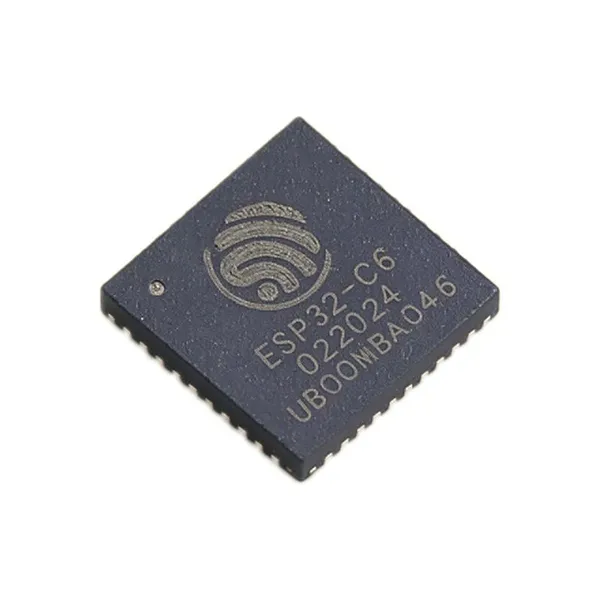
ESP32-C6 RISC-V WiFi 6 + Bluetooth 5.3 LE + Zigbee/Thread SoC 160MHz 512KB SRAM QFN-40 IoT Smart HomeNegotiableMOQ: 100 Units
-
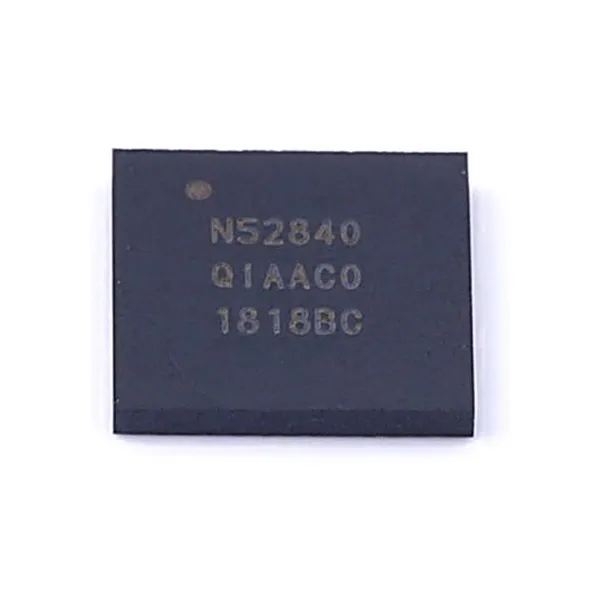
NRF52840 Nordic Bluetooth 5.3 SoC Cortex-M4F 64MHz 1MB Flash 256KB RAM AQFN-73NegotiableMOQ: 100 Units
-
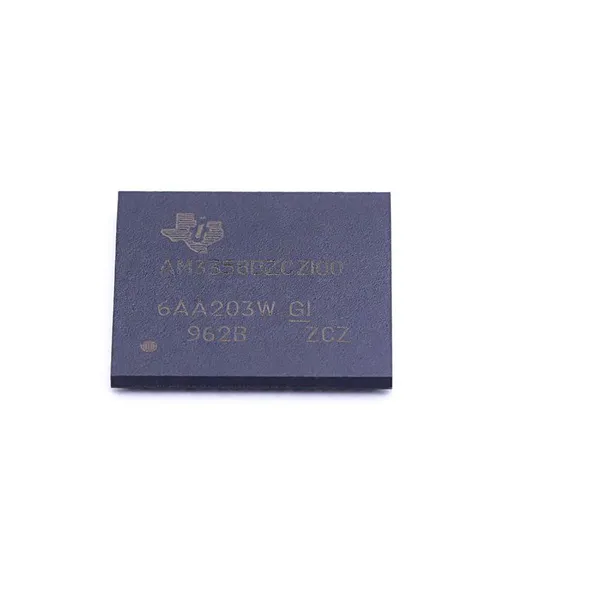
AM3358 TI Sitara AM3358BZCZ100 ARM Cortex-A8 Processor 1GHz BGA-324NegotiableMOQ: 100 Units
-
ADS1115 Texas Instruments ADS1115IDGSR 16-Bit ADC 860 SPS PGA I2C VSSOP-10NegotiableMOQ: 100 Units
-
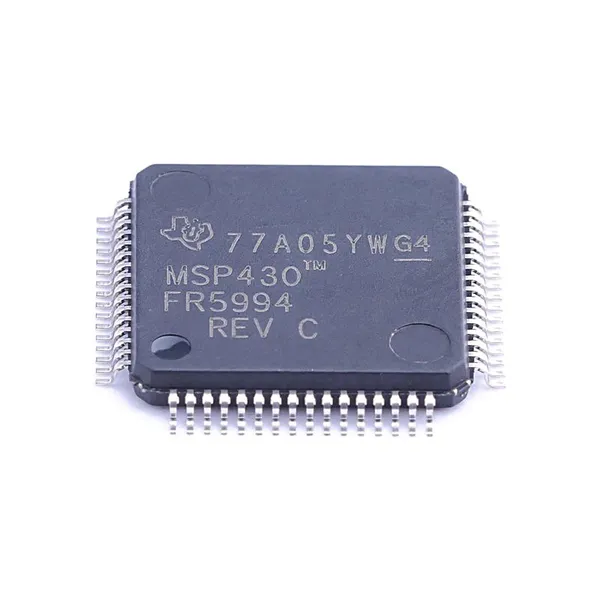
MSP430FR5994 TI MSP430FR5994IPM Ultra-Low-Power MCU 16MHz 256KB FRAM LEA LQFP-64NegotiableMOQ: 100 Units
-
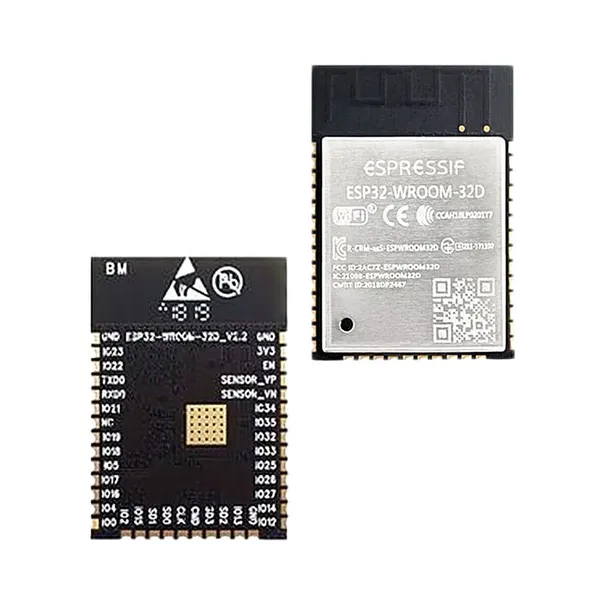
Espressif ESP32-WROOM-32D WiFi Bluetooth Module Dual-Core 240MHz 4MB Flash PCB Antenna IoTNegotiableMOQ: 100 Units
-
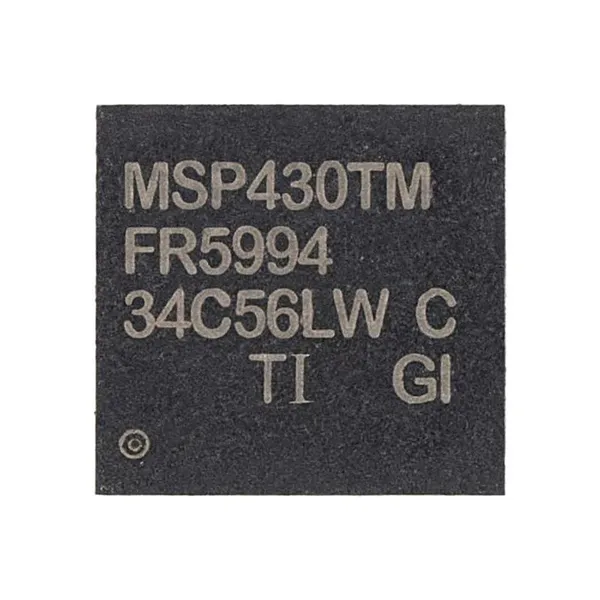
MSP430FR5994 TI MSP430FR5994IRGC Ultra-Low-Power MCU 16MHz 256KB FRAM LEA VQFN-64NegotiableMOQ: 100 Units
-
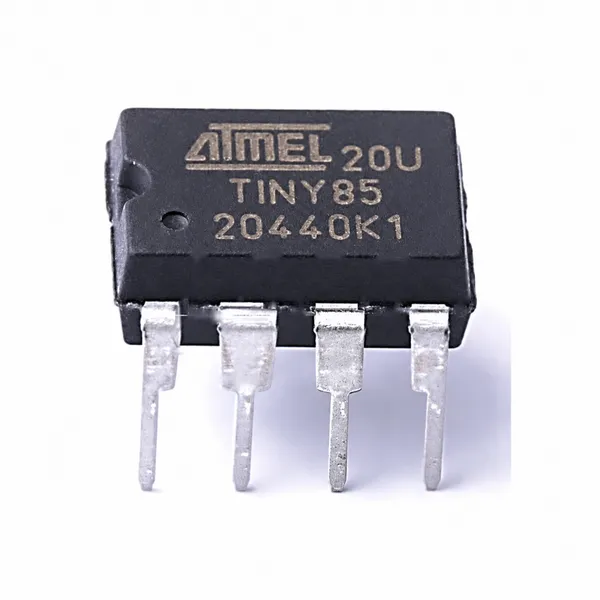
ATtiny85-20PU 8-Bit AVR Microcontroller 20MHz 8KB Flash 512B SRAM DIP-8NegotiableMOQ: 100 Units
-
Microchip ATmega2560-16AU AVR 8-Bit MCU 16MHz 256KB Flash 8KB SRAM TQFP-100NegotiableMOQ: 100 Units
-
Nordic Semiconductor NRF52832-QFAA Bluetooth 5 SoC ARM Cortex-M4F 64MHz 512KB Flash 64KB RAM QFN-48NegotiableMOQ: 100 Units
-
ATmega32U4-AU Microchip 8-Bit AVR MCU 16MHz 32KB Flash 2.5KB SRAM USB TQFP-44NegotiableMOQ: 100 Units
-
Microchip PIC16F877A-I/P 8-bit PIC MCU 20MHz 14KB Flash 368B RAM DIP-40NegotiableMOQ: 100 Units
-
STMicroelectronics STM32F103C8T6 ARM Cortex-M3 MCU 72MHz 64KB Flash 20KB SRAM LQFP-48NegotiableMOQ: 100 Units